Password Management

Secure Your Digital World with Smart Password Practices

Essential for Your Digital Security

Why Password Management Matters

In a world where cyber threats are more prevalent than ever, password management is the first line of defense. At Two River Technology, we believe that securing your passwords should be a priority for every business. Strong, unique passwords not only protect your sensitive data but also help you avoid costly security breaches that could jeopardize your company’s reputation.

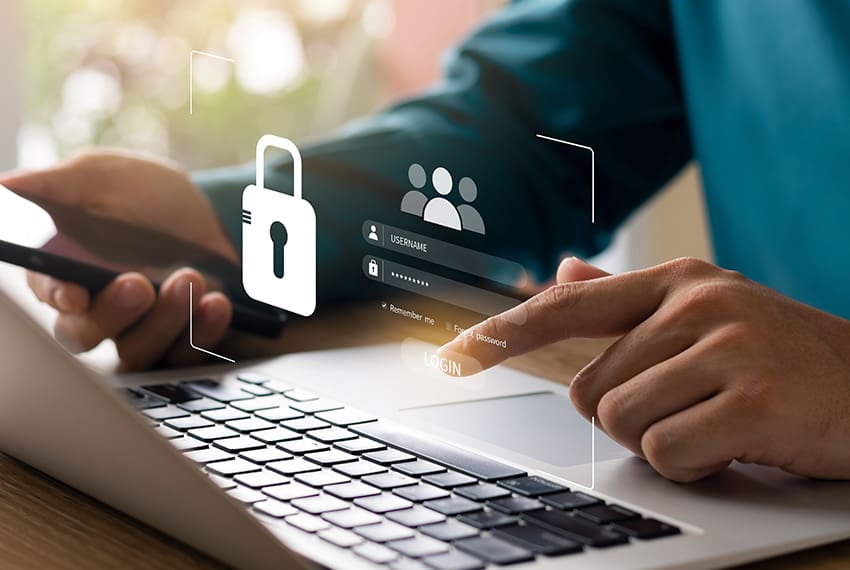
password management on laptop for small business
The Importance of Strong Passwords

The Risks of Poor Password Management

Without a solid password management system in place, your business is at risk. Weak passwords, password reuse, and lack of updates make it easier for cybercriminals to gain access to your systems and data. The result? Data breaches, lost business, and the aftermath of restoring your digital security.

Common risks include unauthorized access to confidential information, phishing attacks targeting weak passwords, and increased vulnerability to cyberattacks and data theft.

Protecting your business means protecting your passwords. Let’s dive into how you can start today.

How Two River Technology Can Help

At Two River Technology, we know that password management can be overwhelming for businesses. That’s why we’re here to help you implement secure, easy-to-follow practices that will protect your data. Our services include:

  • Setting up and managing password managers for your team.
  • Implementing two-factor authentication to add an extra layer of security.
  • Conducting regular audits to ensure your password policies are up to date.
  • Offering training and resources to help your team recognize the importance of password security.

Protect Your Accounts and Data

Best Practices for Strong Password Management

Create Strong, Unique Passwords

A strong password is your first barrier against cybercriminals. Combine upper and lowercase letters, numbers, and symbols. Don’t forget to make it long—aim for at least 12 characters. And remember, never reuse passwords across different accounts!

Use a Password Manager

A password manager takes the stress out of remembering complex passwords. It stores your login credentials securely and even generates strong, unique passwords for each account. This way, you won’t have to worry about reusing weak passwords.

Enable Two-Factor Authentication (2FA)

Two-factor authentication (2FA) adds an extra layer of security by requiring something you know (your password) and something you have (like your phone or an authentication app). This makes it much harder for hackers to break into your accounts, even if they know your password.

Update Your Passwords Regularly

Changing your passwords periodically is a smart habit. If you suspect any of your accounts may have been compromised, don’t wait—change them immediately. Regular updates minimize the risk of unauthorized access.

Avoid Sharing Passwords

Sharing passwords may seem harmless, but it increases the risk of a breach. Use secure methods like password managers to share access, rather than sending passwords through unencrypted channels like email.

Protect What Matters Most

Is Your Password Security Strong Enough?

Whether you’re managing a business or securing your personal accounts, password security is crucial. Don’t leave your data vulnerable to cyber threats. Start taking control of your passwords today with simple, effective strategies